



Medtrics was created to be flexible and to change with the needs of the medical education community.
Edgar Poe | Director Michigan State University
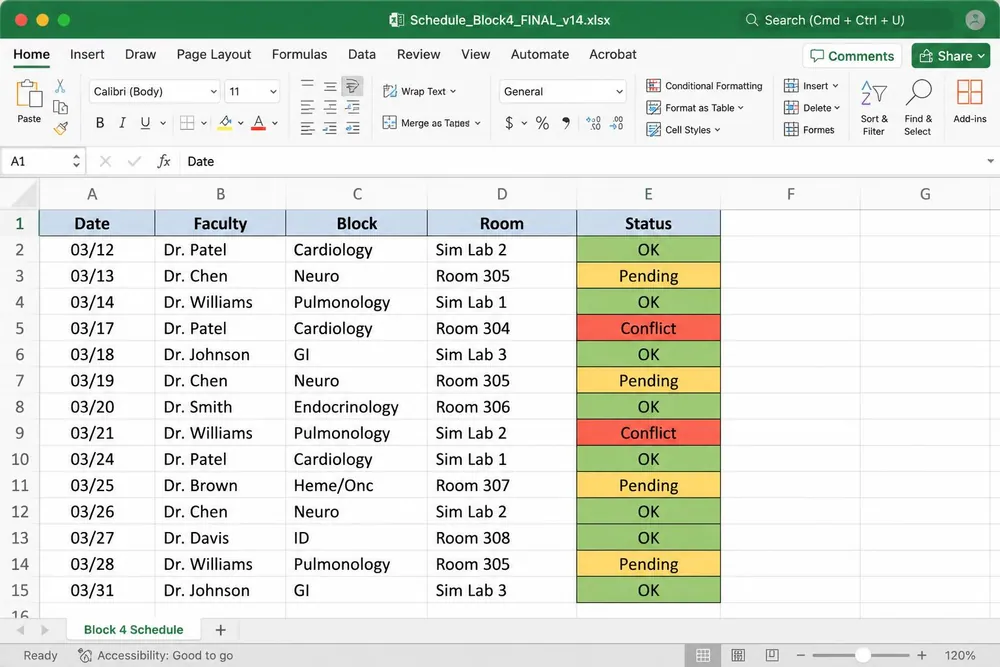
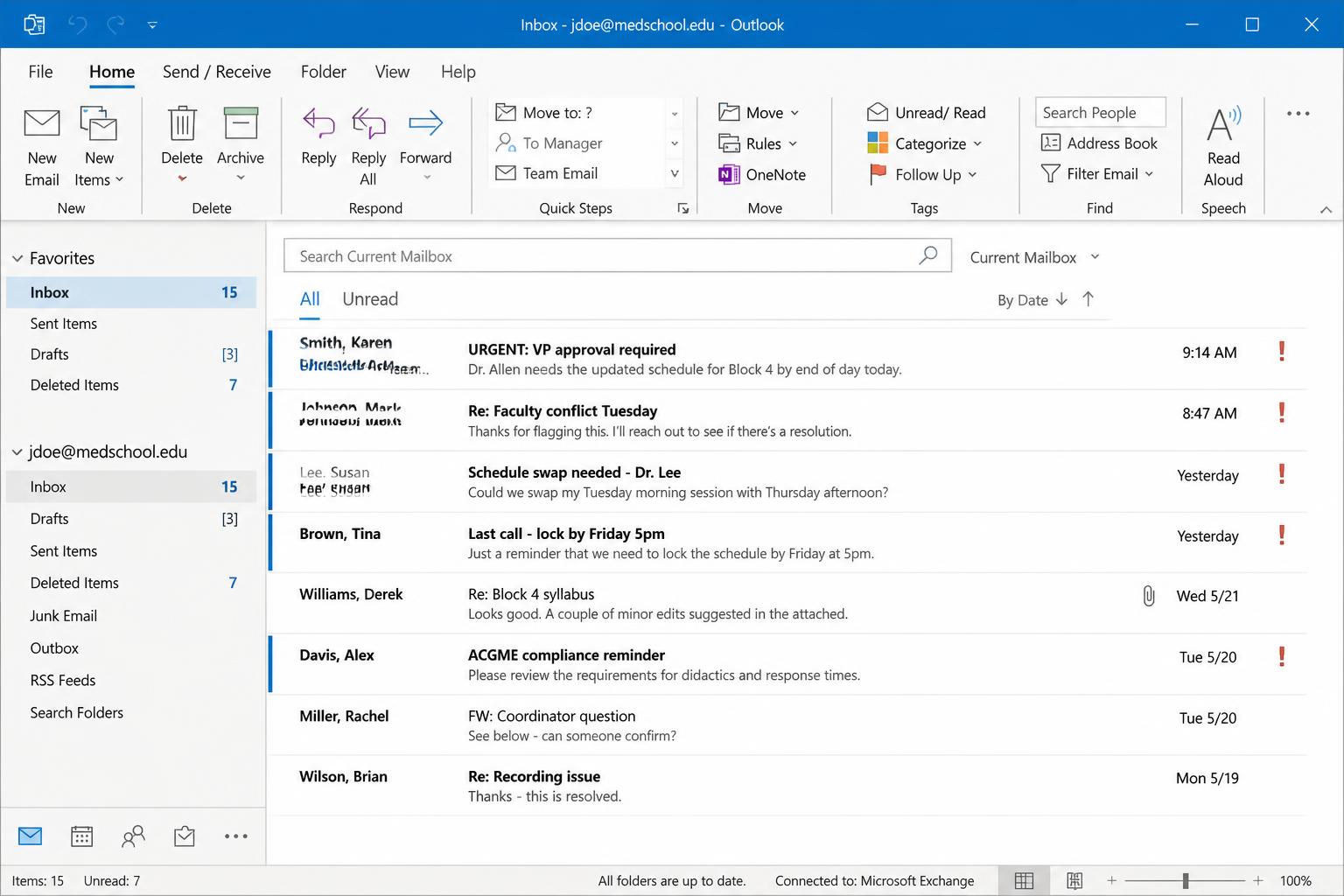
Coordinators, chief residents, and faculty all need fast access to reliable clinical schedules. But too often, schedules live in separate systems, shared folders, or emails. Medtrics brings it all together. With timeline views, role-based filters, and rotation links, anyone can find what they need—and act on it—in seconds.

Medtrics lets you create master schedules with multiple block types, assign shifts by site or role, and apply user permissions as needed. Whether you're building a full rotation calendar or updating a single clinic shift, scheduling stays fast, flexible, and organized.


Medtrics lets you create master schedules with multiple block types, assign shifts by site or role, and apply user permissions as needed. Whether you're building a full rotation calendar or updating a single clinic shift, scheduling stays fast, flexible, and organized.

Medtrics lets you create master schedules with multiple block types, assign shifts by site or role, and apply user permissions as needed. Whether you're building a full rotation calendar or updating a single clinic shift, scheduling stays fast, flexible, and organized.

Medtrics lets you create master schedules with multiple block types, assign shifts by site or role, and apply user permissions as needed. Whether you're building a full rotation calendar or updating a single clinic shift, scheduling stays fast, flexible, and organized.

Medtrics lets you create master schedules with multiple block types, assign shifts by site or role, and apply user permissions as needed. Whether you're building a full rotation calendar or updating a single clinic shift, scheduling stays fast, flexible, and organized.

The Medtrics timeline view gives you a complete visual of clinical schedules—day by day, month by month, or across the entire academic year. Use filters and keyword search to find specific users, rotations, or sites instantly. View multiple schedules at once, adjust dates, and scan for gaps without clicking into separate tools. It’s built for coordinators, chief residents, and anyone who needs quick access to real-time scheduling.


The Medtrics timeline view gives you a complete visual of clinical schedules—day by day, month by month, or across the entire academic year. Use filters and keyword search to find specific users, rotations, or sites instantly. View multiple schedules at once, adjust dates, and scan for gaps without clicking into separate tools. It’s built for coordinators, chief residents, and anyone who needs quick access to real-time scheduling.

The Medtrics timeline view gives you a complete visual of clinical schedules—day by day, month by month, or across the entire academic year. Use filters and keyword search to find specific users, rotations, or sites instantly. View multiple schedules at once, adjust dates, and scan for gaps without clicking into separate tools. It’s built for coordinators, chief residents, and anyone who needs quick access to real-time scheduling.

The Medtrics timeline view gives you a complete visual of clinical schedules—day by day, month by month, or across the entire academic year. Use filters and keyword search to find specific users, rotations, or sites instantly. View multiple schedules at once, adjust dates, and scan for gaps without clicking into separate tools. It’s built for coordinators, chief residents, and anyone who needs quick access to real-time scheduling.

The Medtrics timeline view gives you a complete visual of clinical schedules—day by day, month by month, or across the entire academic year. Use filters and keyword search to find specific users, rotations, or sites instantly. View multiple schedules at once, adjust dates, and scan for gaps without clicking into separate tools. It’s built for coordinators, chief residents, and anyone who needs quick access to real-time scheduling.

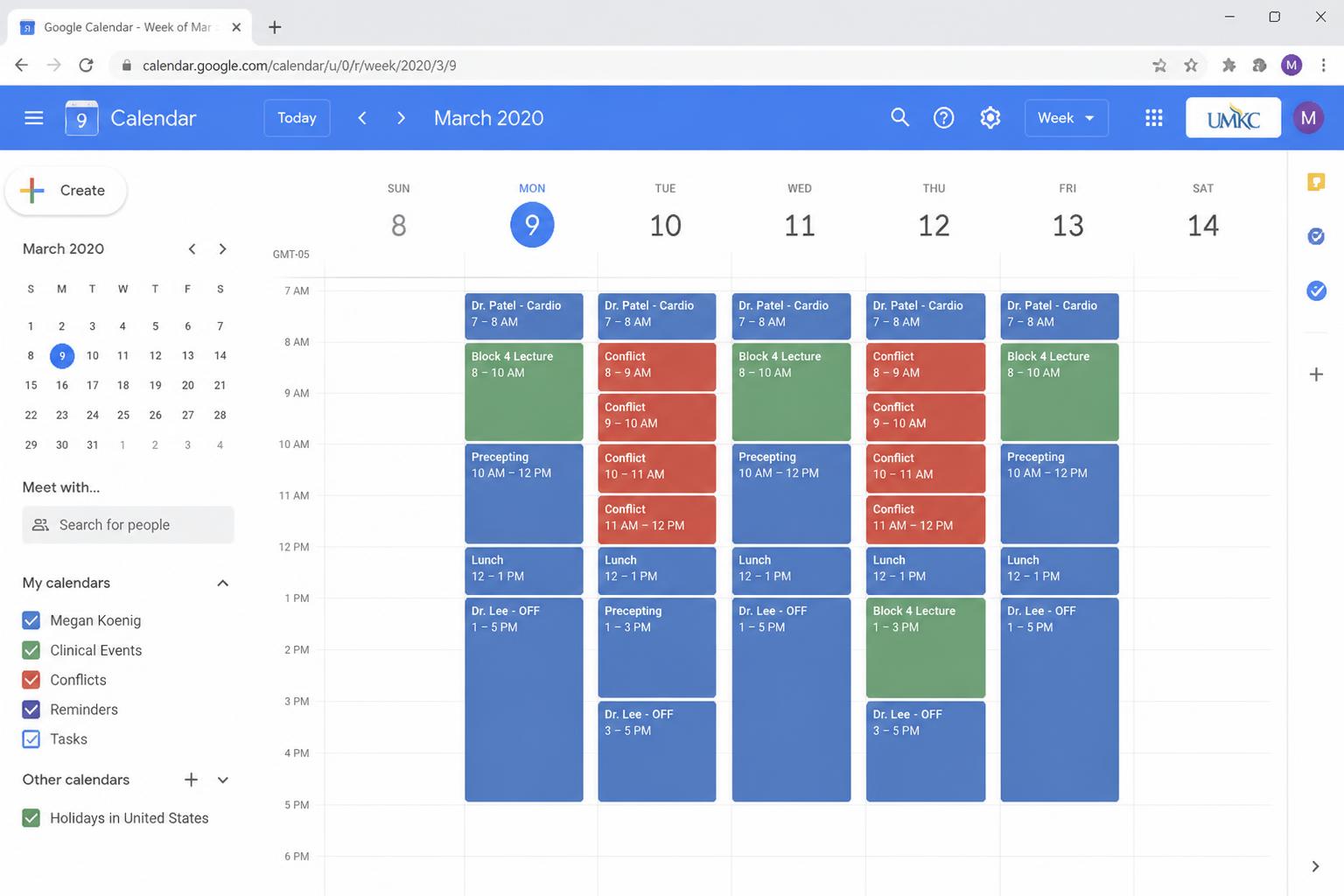
Medtrics makes it easy to track time off across rotations, sites, and users. Conflicts are flagged automatically, and unavailable blocks are marked on the calendar. Coordinators can schedule with clarity, knowing exactly who’s available and when.


Medtrics makes it easy to track time off across rotations, sites, and users. Conflicts are flagged automatically, and unavailable blocks are marked on the calendar. Coordinators can schedule with clarity, knowing exactly who’s available and when.

Medtrics makes it easy to track time off across rotations, sites, and users. Conflicts are flagged automatically, and unavailable blocks are marked on the calendar. Coordinators can schedule with clarity, knowing exactly who’s available and when.

Medtrics makes it easy to track time off across rotations, sites, and users. Conflicts are flagged automatically, and unavailable blocks are marked on the calendar. Coordinators can schedule with clarity, knowing exactly who’s available and when.

Medtrics makes it easy to track time off across rotations, sites, and users. Conflicts are flagged automatically, and unavailable blocks are marked on the calendar. Coordinators can schedule with clarity, knowing exactly who’s available and when.

Medtrics links scheduled rotations directly to the correct evaluation forms. No need to manually assign surveys or track who needs feedback. As soon as a schedule is created, the system handles the pairing, so evaluations are ready when they’re needed.


Medtrics links scheduled rotations directly to the correct evaluation forms. No need to manually assign surveys or track who needs feedback. As soon as a schedule is created, the system handles the pairing, so evaluations are ready when they’re needed.

Medtrics links scheduled rotations directly to the correct evaluation forms. No need to manually assign surveys or track who needs feedback. As soon as a schedule is created, the system handles the pairing, so evaluations are ready when they’re needed.

Medtrics links scheduled rotations directly to the correct evaluation forms. No need to manually assign surveys or track who needs feedback. As soon as a schedule is created, the system handles the pairing, so evaluations are ready when they’re needed.

Medtrics links scheduled rotations directly to the correct evaluation forms. No need to manually assign surveys or track who needs feedback. As soon as a schedule is created, the system handles the pairing, so evaluations are ready when they’re needed.

Medtrics gives you quick access to the people and places behind every assignment. Click on any rotation to view user profiles, site affiliations, and past assignments. Whether you’re reviewing attendance, checking site coverage, or verifying supervision, the details are only a click away.


Medtrics gives you quick access to the people and places behind every assignment. Click on any rotation to view user profiles, site affiliations, and past assignments. Whether you’re reviewing attendance, checking site coverage, or verifying supervision, the details are only a click away.

Medtrics gives you quick access to the people and places behind every assignment. Click on any rotation to view user profiles, site affiliations, and past assignments. Whether you’re reviewing attendance, checking site coverage, or verifying supervision, the details are only a click away.

Medtrics gives you quick access to the people and places behind every assignment. Click on any rotation to view user profiles, site affiliations, and past assignments. Whether you’re reviewing attendance, checking site coverage, or verifying supervision, the details are only a click away.

Medtrics gives you quick access to the people and places behind every assignment. Click on any rotation to view user profiles, site affiliations, and past assignments. Whether you’re reviewing attendance, checking site coverage, or verifying supervision, the details are only a click away.

Medtrics helps you align your schedules with educational standards, without extra burden. Site tracking, supervisory role assignment, and automated curriculum delivery make it easy to show consistency across locations and rotations. Whether you're preparing for an LCME review or monitoring site quality, the structure is already built in.


Medtrics helps you align your schedules with educational standards, without extra burden. Site tracking, supervisory role assignment, and automated curriculum delivery make it easy to show consistency across locations and rotations. Whether you're preparing for an LCME review or monitoring site quality, the structure is already built in.

Medtrics helps you align your schedules with educational standards, without extra burden. Site tracking, supervisory role assignment, and automated curriculum delivery make it easy to show consistency across locations and rotations. Whether you're preparing for an LCME review or monitoring site quality, the structure is already built in.

Medtrics helps you align your schedules with educational standards, without extra burden. Site tracking, supervisory role assignment, and automated curriculum delivery make it easy to show consistency across locations and rotations. Whether you're preparing for an LCME review or monitoring site quality, the structure is already built in.

Medtrics helps you align your schedules with educational standards, without extra burden. Site tracking, supervisory role assignment, and automated curriculum delivery make it easy to show consistency across locations and rotations. Whether you're preparing for an LCME review or monitoring site quality, the structure is already built in.

What Our Customers Say About Us
"It seemed very simple. The support that was going to be offered with that system was exactly what we were looking for."

"Technology use is gonna be huge for us...Medtrics is gonna help communicate between the two sites and making sure everybody's on the same page."

“With the Medtrics platform, we were able to really engage our residents so that they're providing us feedback frequently, in a timely way.”


Learn more about how Medtrics and LMU College of Veterinary Medicine were able to collaborate and adapt to build a user-friendly solution for the needs of Vet Ed.

Don’t just write an RFP—build a smarter selection process. This guide equips GME leaders to write requests for proposal that reflect the full complexity of graduate medical education. It moves beyond feature checklists to help institutions align internal stakeholders, define clear platform expectations, and evaluate vendors based on long-term institutional fit. With a structured approach, built-in scoring tools, and insight into real-world GME workflows, this guide helps ensure your next platform supports accreditation, streamlines documentation, and scales across programs.

If you’ve ever wondered about the connection between IRIS reports and your program’s funding—or even if you’re not sure what IRIS is—this session is a great place to start.